

In the digital era, Artificial Intelligence (AI) is transforming our lives and work at an unprecedented pace. Particularly in the realm of image generation and editing, the evolution of AI models has brought about astonishing breakthroughs. Today, we delve into Gemini 2.5 Flash Image, Google’s latest, fastest, and most efficient natively multimodal model, and its significant upgrade within the Gemini app—the image editing model affectionately dubbed “Nano Banana” by the community. The synergy of these two advancements not only vastly expands the boundaries of visual creativity but also makes image generation and editing more intelligent, efficient, and personalised than ever before.
Gemini 2.5 Flash Image: The Pioneering Power of Native Multimodal AI
Gemini 2.5 Flash Image stands as Google’s latest, fastest, and most efficient natively multimodal model. Its uniqueness lies in its architecture: this model was trained from the ground up to process both text and images in a single, unified step. This deep language understanding empowers Gemini 2.5 Flash Image beyond simple image generation, enabling more complex and powerful capabilities such as conversational editing, multi-image composition, and logical reasoning about image content.
The model’s core capabilities encompass several key areas, allowing users to interact with visual content in unprecedented ways:
- Text-to-image: Generate high-quality images from simple or complex text descriptions. This means your imagination is no longer limited by drawing skills; simply through text, the AI model can render the scene you envision.
- Image + text-to-image (editing): Provide an existing image and use text prompts to add, remove, or modify elements, change the style, or adjust colours. This opens new avenues for fine-tuning and creatively transforming images.
- Multi-image to image (composition & style transfer): Use multiple input images to compose a new scene or transfer the style from one image to another. This capability is particularly useful for creating complex visual narratives or unifying visual styles.
- Iterative refinement: Progressively refine your image over multiple turns through conversation, making small adjustments. This makes the creative process more flexible, allowing for continuous refinement of details until satisfaction.
- Text rendering: Generate images that contain clear and well-placed text, ideal for logos, diagrams, and posters. Historically, accurately rendering text in images with AI has been a challenge, but Gemini 2.5 Flash Image shows significant improvement in this area.
Mastering the Art of Text-to-Image Generation: The Essence of Gemini 2.5 Flash Image Prompts
To achieve the best results from Gemini 2.5 Flash Image, the fundamental principle is: “Describe the scene, don’t just list keywords“. The model’s core strength is its deep language understanding. A narrative, descriptive paragraph will almost always produce a better, more coherent image than a simple list of disconnected words. This is akin to telling a story to an artist rather than just giving them a few words and letting them interpret freely.
Here are some practical tips and scenario examples to help you leverage Gemini 2.5 Flash Image more effectively for text-to-image creation:
Photorealistic scenes: For realistic images, think like a photographer. Mentioning camera angles, lens types, lighting, and fine details will guide the model toward a photorealistic result. For instance, you could describe “A close-up portrait of an elderly Hong Kong potter, his face marked by the deep marks of time, yet his smile is warm and intelligent. He carefully examines a freshly polished brown leather shoe. The scene is set in his unassuming, sun-drenched workshop. Soft evening light streams through the window, highlighting the delicate texture of the shoe. Shot with a 50mm f/2.8 portrait lens, the background blur is soft (bokeh effect). The overall atmosphere is tranquil and reminiscent of a shoemaker’s craft. Vertical portrait composition”.

Stylised illustrations & stickers: To create stickers, icons, or assets for your projects, be explicit about the style and remember to request a white background if you need one. A good example prompt is: “A cute sticker of a happy English Cocker Spaniel wearing a mini baseball cap and playing with his mini baseball toy. The design features bold, clean lines, minimal cel shading, and a vibrant colour scheme. The background must be white.”.

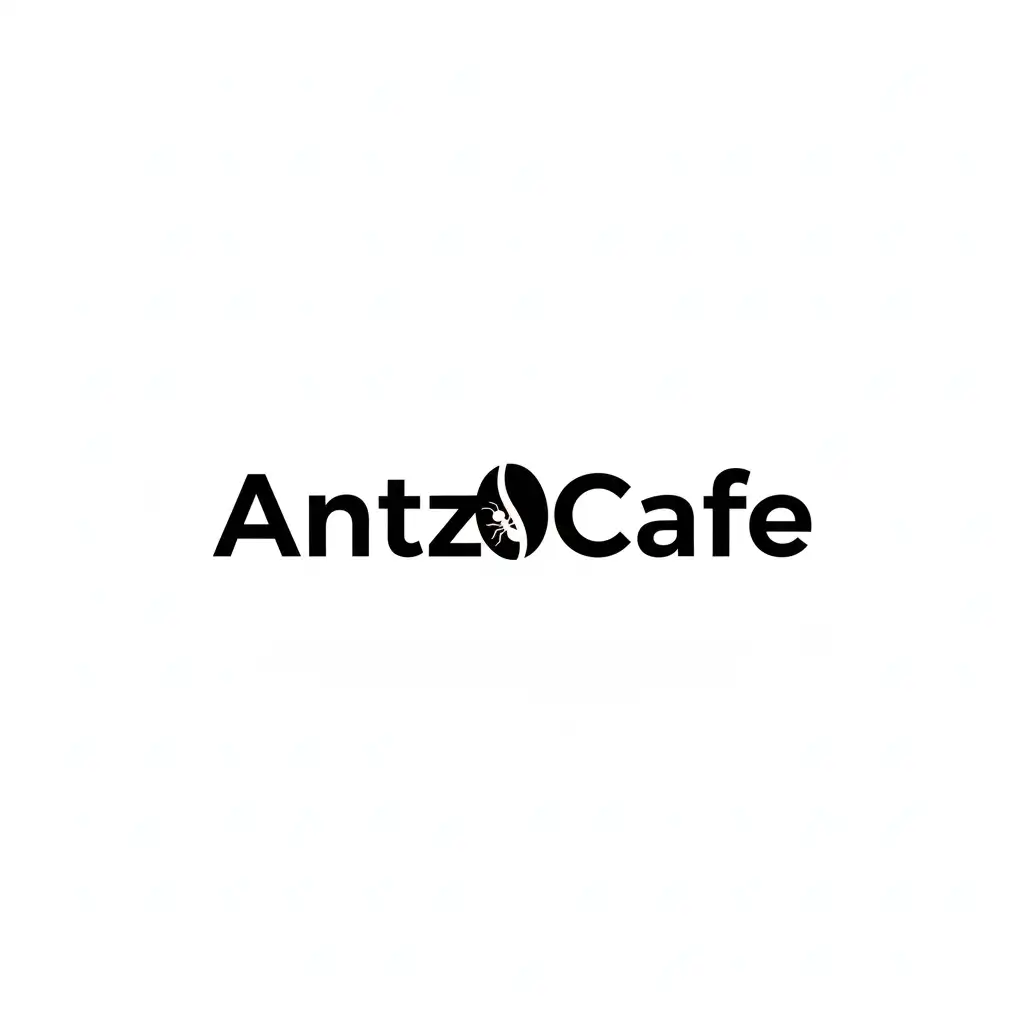
Accurate text in images: Gemini 2.5 Flash Image can render text within images. Be clear about the exact text you want, describe the font style, and set the overall design. For example, “Create a modern, minimalist logo for a coffee shop called ‘AntzCafe.” The text should be clean, bold, and written in Noto Sans HK. The design should include a simple, stylised coffee bean icon that blends seamlessly with the text. The colour scheme should be black and white.”.
Product mockups & commercial photography: Create clean, professional product shots for e-commerce, advertising, or branding. For example, “A high-resolution, studio-lit product photo of a minimalist, reflective black leather shoe placed on a polished, oiled rock surface. A three-point softbox setup was used to create soft, diffused highlights and eliminate harsh shadows. The camera was shot at a slightly elevated 45-degree angle to showcase the clean lines. Ultra-realistic, with a sharp focus on the reflective shoe. Square image.”.

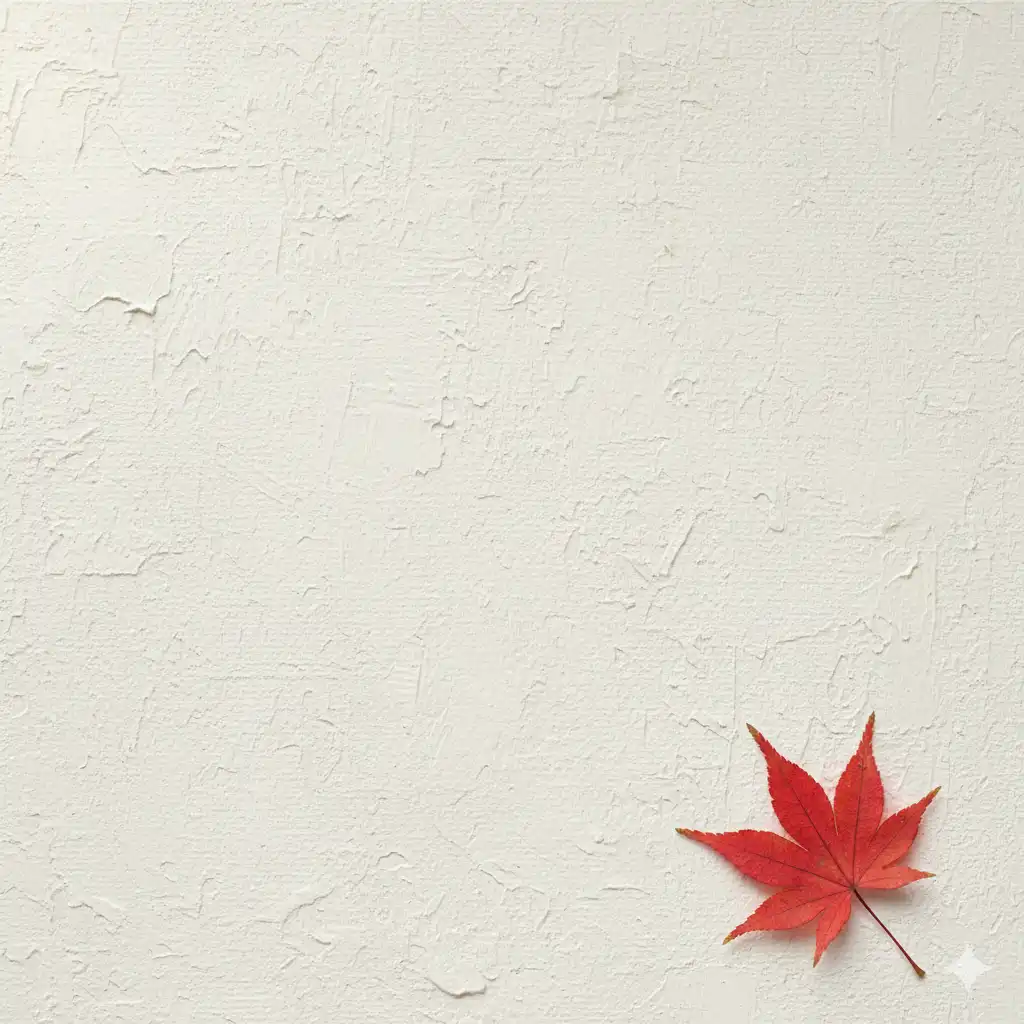
Minimalist & negative space design: Create backgrounds for websites, presentations, or marketing materials where you plan to overlay text. For instance, “A minimalist composition, dominated by a single, delicate red maple leaf, located in the lower right corner. The background is a vast, empty, rough off-white canvas, leaving plenty of negative space for text. Soft, diffuse light comes from the upper left. Square image”.
Sequential art (comic panel/storyboard): Create compelling visual narratives, panel by panel, ideal for developing storyboards, comic strips, or any form of sequential art by focusing on clear scene descriptions. For example, “A single comic strip, rendered in a minimalist, film noir style with high-contrast black and white ink. In the foreground, a detective in a wet jacket stands beneath a flickering streetlight, his shoulders damp with rain. In the background, the neon sign of a deserted bar reflects in puddles. A dialogue box at the top reads, “No alcohol for sale at this bar.” The harsh lighting creates a dramatic, sombre atmosphere”.

The ‘Nano Banana’ Upgrade: A New Era for Image Editing in the Gemini App
Recently, the Gemini app received a major upgrade, introducing a new image editing model developed by Google DeepMind. This update has already created a buzz in early previews, with people “going bananas” over it, affectionately leading to the nickname “Nano Banana”. This model is hailed as the top-rated image editing model in the world, and its most striking feature is its ability to maintain a consistent likeness when editing photos of people and pets. This addresses the common “close but not quite the same” issue often encountered in AI editing, ensuring that images of your friends, family, and even pets retain their original essence and features after modification.
With this upgrade, image editing capabilities within the Gemini app have reached unprecedented levels. You can try out several exciting new features to unleash your creativity:
- Give yourself a costume or location change: Upload a photo of a person or pet, and the model will keep their look the same in every image as you place them in new scenarios. Whether trying different outfits, professions, or even seeing how you’d appear in another decade, you will consistently look like “you”.
- Blend photos: You can now upload multiple photos and blend them for a brand-new composite scene. For example, combine your photo and one of your dogs to create a perfect portrait of both of you on a basketball court.
- Try multi-turn editing: You can keep editing the images Gemini makes. Start with an empty room, paint the walls, then add a bookshelf, some furniture, or a coffee table. Gemini works with you throughout, altering specific parts of an image while preserving the rest.
- Mix up designs (Style Transfer): Apply the style of one image to an object in another. You can take the colour and texture of flower petals and apply it to a pair of rainboots, or design a dress using the pattern from a butterfly’s wings.
These enhanced capabilities, powered by the Google DeepMind model, make Gemini a truly versatile and intuitive image editing tool. It is important to note that all images created or edited in the Gemini app include a visible watermark, as well as our invisible SynthID digital watermark, to clearly show they are AI-generated or edited content.
Best Practices: Keys to Enhancing Image Generation and Editing Results
Whether generating images with Gemini 2.5 Flash Image or leveraging the enhanced editing features of the “Nano Banana” upgrade, mastering some best practice principles will significantly improve your outcomes:
- Be hyper-specific: The more detail you provide, the more control you have. Instead of “fantasy armour,” describe it as: “ornate elven plate armour, etched with silver leaf patterns, with a high collar and pauldrons shaped like falcon wings”.
- Fix character consistency drifts: If you notice a character’s features begin to drift after many iterative edits, you can restart a new conversation with a detailed description to retain consistency.
- Provide context and intent: Explain the purpose of the image. For example, “Create a logo for a high-end, minimalist skincare brand” will yield better results than just “Create a logo”.
- Iterate and refine: Don’t expect a perfect image on the first try. Use the conversational nature of the model to make small changes. Follow up with prompts like, “That’s great, but can you make the lighting a bit warmer?” or “Keep everything the same, but change the character’s expression to be more serious”.
- Use “semantic negative prompts”: Instead of saying “no cars,” describe the desired scene positively: “an empty, deserted street with no signs of traffic”. This positive description often works better.
- Aspect ratios: When editing, Gemini 2.5 Flash Image generally preserves the input image’s aspect ratio. If it doesn’t, be explicit in your prompt: “Update the input image… Do not change the input aspect ratio”. If you upload multiple images with different aspect ratios, the model will adopt the aspect ratio of the last image provided. If you need a specific ratio for a new image and prompting doesn’t produce it, the best practice is to provide a reference image with the correct dimensions as part of your prompt.
- Control the camera: Use photographic and cinematic language to control the composition. Terms like “wide-angle shot,” “macro shot,” “low-angle perspective,” “85mm portrait lens,” and “Dutch angle” give you precise control over the final image.
Current Limitations and Future Outlook
While Gemini 2.5 Flash Image and its “Nano Banana” editing features are powerful and versatile tools, achieving perfection on the first attempt with highly nuanced requests can require some iteration. For example, generating complex typography or maintaining absolute consistency of character features across multiple images sometimes needs refinement through follow-up prompts.
The Google team is actively working to improve these areas and continuously collaborates with users to build the next generation of image tools. This means we can anticipate an even more precise and seamless AI image creation and editing experience in the future.
Start Your AI Visual Creation Journey
You now possess the foundational skills to help you create and edit incredible images with Gemini 2.5 Flash. The best way to improve is to practice. Here are some resources to help you on your AI visual creation journey:
- Explore Gemini in Google AI Studio: The easiest way to start experimenting with the techniques in this guide is with our web-based tool.
- Read the official documentation: For developers who want to integrate Gemini 2.5 Flash’s image generation capabilities into their own applications, the official documentation provides in-depth technical guidance.
- Review pricing: Understand the costs associated with using the Gemini API for Gemini 2.5 Flash Image generation in your projects.
- Try the Image Editing Applet: Test AI-powered photo editing, apply creative filters, or make professional adjustments using simple text prompts.
The combination of Gemini 2.5 Flash Image and the “Nano Banana” upgrade undoubtedly marks a milestone in the field of AI image generation and editing. It not only simplifies complex creative processes but also opens up a world of endless visual possibilities. Now, let’s explore together and turn your creativity into a tangible visual feast!


